
Git 推送拉取代码失败
本文字数 0 | 阅读时长 ≈ 0 分钟
tags
开发
status
Published
type
Post
summary
SSL_ERROR_SYSCALL in connection to github.com: 443 ,以及OpenSSL SSL_read: Connection was reset, errno 10054 两种问题的解决
date
Jun 7, 2021
slug
git-ssl-error
category
技术分享
现象一
Github 执行
git clone 或 git push 的时候出现如下异常fatal: unable to access " https ://github.com/tlyong1992/nextjs-notion-starter-kit. git/': LibreSSL SSL connect: SSL_ERROR_SYSCALL in connection to github.com: 443
解决
方法一 配置git使用代理
参数中填写你的http代理信息
git config --global http.proxy http[s]://username:password@proxyipaddress:portnumber方法二 git禁用代理
执行以下脚本,修改全局代理配置(参考 Git Documentation )
git config --global --unset http.proxy
方法三 关掉代理软件
彻底关闭VPN,再Clone或者Push
方法四
brew update libressl、openssl 和 curl,然后重新启动系统
- 关闭ipv6 执行
networksetup -setv6off
现象二
fatal: unable to access 'https://github.com/tangly1024/NotionNext.git/': OpenSSL SSL_read: Connection was reset, errno 10054产生原因:一般是这是因为服务器的SSL证书没有经过第三方机构的签署,所以才报错
参考网上解决办法:解除ssl验证后,再次git即可
git config --global http.sslVerify "false"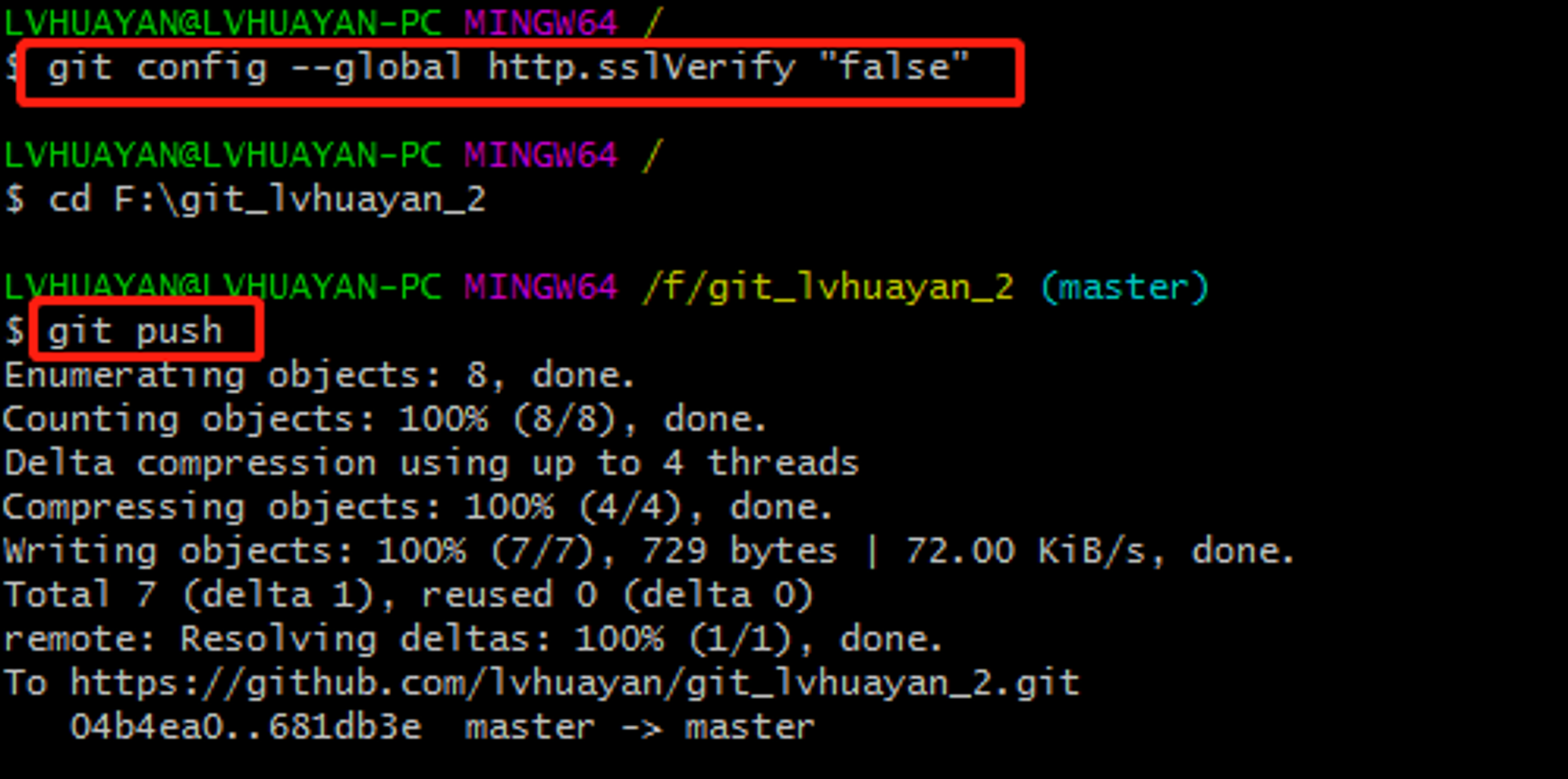
- Author:tangly1024
- URL:https://tangly1024.com/article/git-ssl-error
- Copyright:All articles in this blog, except for special statements, adopt BY-NC-SA agreement. Please indicate the source!
Relate Posts :
Tags:
开发