VSCode保存文件时自动按照ESLint格式化代码
本文字数 0 | 阅读时长 ≈ 0 分钟
tags
VSCode
NodeJS
status
Published
type
Post
summary
每次按下保存都会按照ESLint的规范自动格式化
date
Dec 4, 2021
slug
visual-studio-code-format-es-lint
category
技术分享
📝 1.修改VSCode配置
在Visual Studio Code中 按下
Ctrl+shift+P ,唤出命令窗口,输入settings
点选其中的 首选项:打开设置(json),之后在打开的
setting.json文件中添加以下配置并保存。"editor.codeActionsOnSave": {
"source.fixAll.eslint": true
},效果如图

🧑💻2.安装ESlint扩展
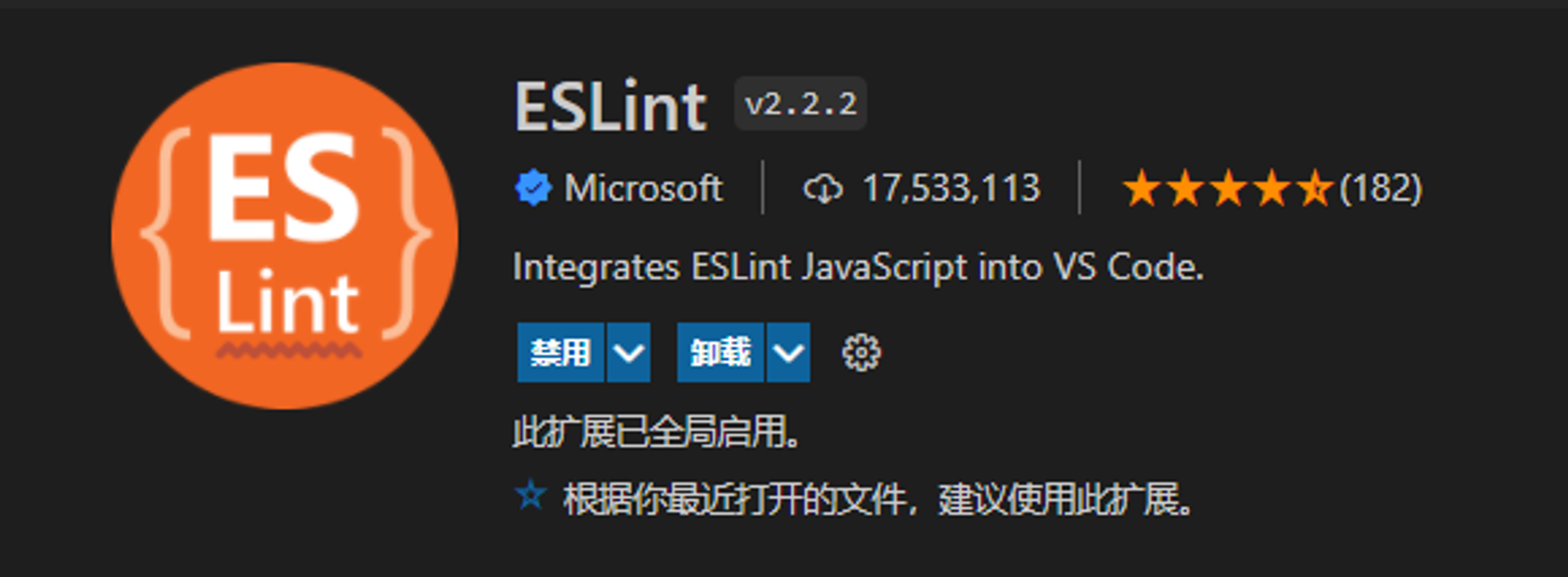
在扩展商店中搜索eslint,并安装第一个

最后
有关本篇文章的讨论,欢迎您在底部评论区留言,一起交流~
- Author:tangly1024
- URL:https://tangly1024.com/article/visual-studio-code-format-es-lint
- Copyright:All articles in this blog, except for special statements, adopt BY-NC-SA agreement. Please indicate the source!
Relate Posts :
Tags:
VSCode
NodeJS